Level the Playing Field in Your SOC with Skills
Jeff Friedsam
Head of Product, Crogl
What if All Your Analysts Executed Like Your Best Analyst?
Every security team has one. The analyst who knows exactly which Splunk query surfaces lateral movement in your environment. Who remembers that the EDR fires a false positive on the finance team's backup process every Tuesday. Who can triage a phishing alert in four minutes flat because they've done it a thousand times.
When that analyst is on shift, your team runs well. When they're out, you feel it.
This is the institutional knowledge problem. It's not unique to security, but in security it has real consequences. Alert queues back up. Investigations take longer. Junior analysts reinvent steps the senior team solved two years ago. And when that senior analyst eventually leaves, a meaningful chunk of operational capability walks out with them.
Most teams try to solve this with documentation. Runbooks, wikis, Confluence pages. The intent is right. The execution rarely holds. Documentation goes stale because keeping it current is nobody's primary job. Analysts skip it because searching a wiki mid-investigation breaks flow. And even the best runbook can't account for the specific quirks of your environment.
The documentation approach treats knowledge as a static artifact. The problem is that investigations are dynamic.
Knowledge, On Demand
Better documentation doesn't help. Skills do. You need your best analysts' knowledge to be present in every investigation, automatically, without anyone having to find and read a document first.
That's the design principle behind Skills in Crogl.
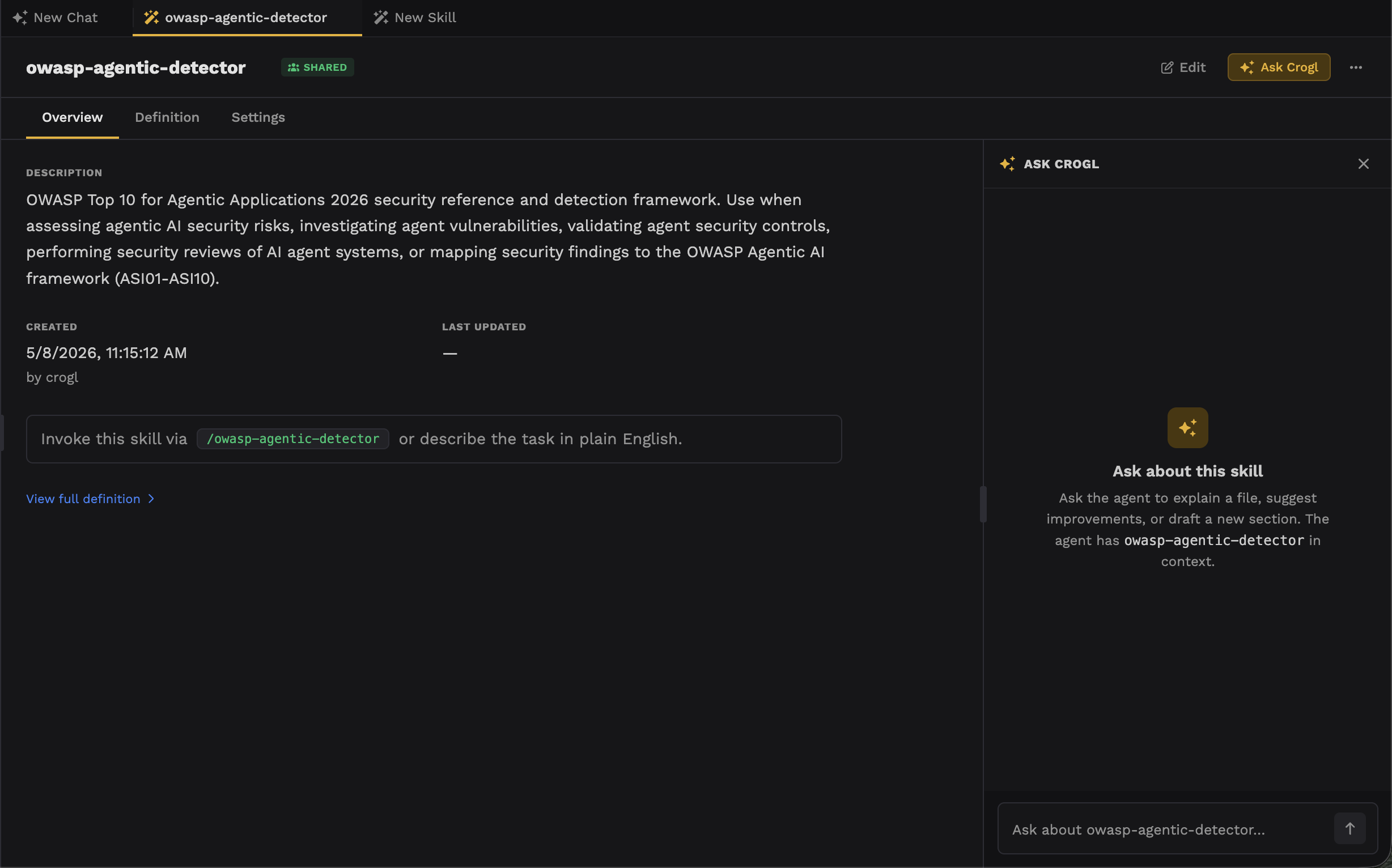
A Skill is structured guidance that the Crogl agent applies during an investigation. Not a static reference file, not a prompt template. A Skill gives the agent domain knowledge, query patterns, investigation workflows, and institutional context — loaded at the moment it's relevant and applied consistently every time. Specifically, a Skill is a plain directory built around a SKILL.md file that spells out its name, when to trigger it, and what to do. A large skill library will not weigh down the agent's context because only that name and description load until the skill is invoked.
The difference matters. A runbook requires a human to find it, read it, and apply it correctly under pressure. A Skill is invoked automatically when the agent recognizes the task, or explicitly by an analyst with a slash command. The knowledge is always there. The agent always uses it.
A Skill in Practice: Threat Hunt
Crogl ships with several built-in Skills, but let's take a closer look at the threat hunt skill.
An analyst can kick it off with almost anything: a CISA advisory URL, an advisory ID, a threat actor name like "Volt Typhoon," a CVE, or a local file path. The skill handles all of those inputs without requiring the analyst to restructure the request.
From there it runs a defined workflow. It fetches the advisory, then extracts and organizes everything an analyst needs to act:
Found:
✓ {count} SHA-256 file hashes
✓ {count} IP addresses
✓ {count} domain names
✓ {count} file names
✓ {count} MITRE ATT&CK techniques across {count} tactics

Malware/Tools Identified:
• {tool 1}
• {tool 2}
Every technique is mapped to MITRE ATT&CK. Every indicator is extracted and categorized. The output format is identical every time.
That's not a prompt — it's a repeatable workflow. The junior analyst and the senior analyst start from the same place, with the same extraction logic applied to the same advisory. Without a skill, that outcome depends entirely on who's running the hunt and what they remember to check.
Building Skills Without Writing Code
The most direct way to create a skill is to describe what you need to the Crogl agent and let it draft one for you. Tell it the alert type, the data sources involved, the queries your team typically runs, and the output format you want. The agent drafts the skill, you test it together, and it's saved automatically when you're satisfied.
For analysts who prefer direct control, the Skills page in the Crogl UI provides a full management interface: create, browse, edit, duplicate, export. A built-in file tree editor with autosave handles the structure. For engineers building Skills in an external IDE, the directory format is straightforward enough to author by hand.
What This Means for the SOC
A skill library is a record of how your team investigates. Every hard-won query, every environment-specific caveat, every step your best analyst takes automatically because they've internalized it over years. Encoded once, applied consistently, updated centrally.
The analyst who knows every quirk of your environment is still irreplaceable. Their judgment, their instincts, their ability to recognize something genuinely novel — that doesn't transfer to a machine. But the repeatable parts of what they know can be captured, and those repeatable parts are often exactly what consumes the most time on a busy shift.
Crogl handles the investigation. The analyst makes the call.
The next question is what happens to those Skills once you've built them? A Skill that lives with one analyst doesn't solve the institutional knowledge problem — it just moves it.
I'll cover that in my next piece.